


Protect Yourself from Call Forwarding Fraud
Protect Yourself from Call Forwarding Fraud
03 Nov 2026
03:22 pm
Protect Yourself from Call Forwarding Fraud
At Savvi Credit Union, we’re committed to helping keep our members safe from fraud and scams. FraudSmart has recently issued a scam alert, and we’d like to make you aware of a phone scam that is currently circulating.
Please be cautious if you receive a phone call from someone claiming to be from Savvi Credit Union or another trusted organisation. If you receive such a call, consider:
- What the caller told you.
- Whether you were asked to take any action.
- What actions, if any, you have already taken.
If you’re unsure about a call or believe it may be fraudulent, contact us immediately so we can help protect your account and provide guidance.
Call Forwarding Scam
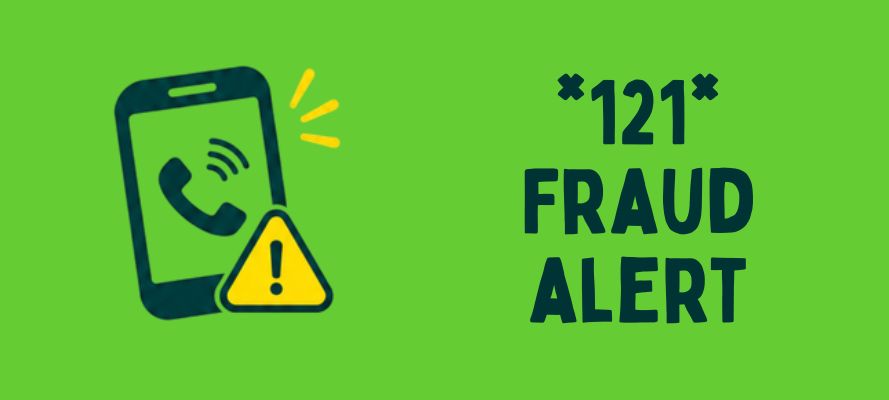
Fraudsters may ask you to dial *21* (or a similar code) on your phone. This can activate call forwarding, allowing scammers to intercept calls and security codes intended for you.
If you think you may have enabled call forwarding following instructions from someone impersonating Savvi Credit Union, disable it immediately.
How to Disable Call Forwarding
General Method
- Dial #21# and press the call button.
iPhone
- Go to Settings > Phone > Call Forwarding.
- Toggle Call Forwarding to Off.
Android
- Go to Settings > Supplementary Services (or Calling Accounts, depending on your device).
- Select Call Forwarding.
- Choose Voice Calls and disable any active forwarding settings.
Stay Safe
Remember, Savvi Credit Union will never ask you to share security codes, passwords, or PINs over the phone. If you’re ever in doubt about a call claiming to be from us, hang up and contact us directly using our official contact details.
Thank you for helping us combat fraud and keep your account secure.